Build the day around the work.
A schedule is more useful when every stop connects to the customer, assembly and next action. Keep planning and testing in the same workflow.
Request a demo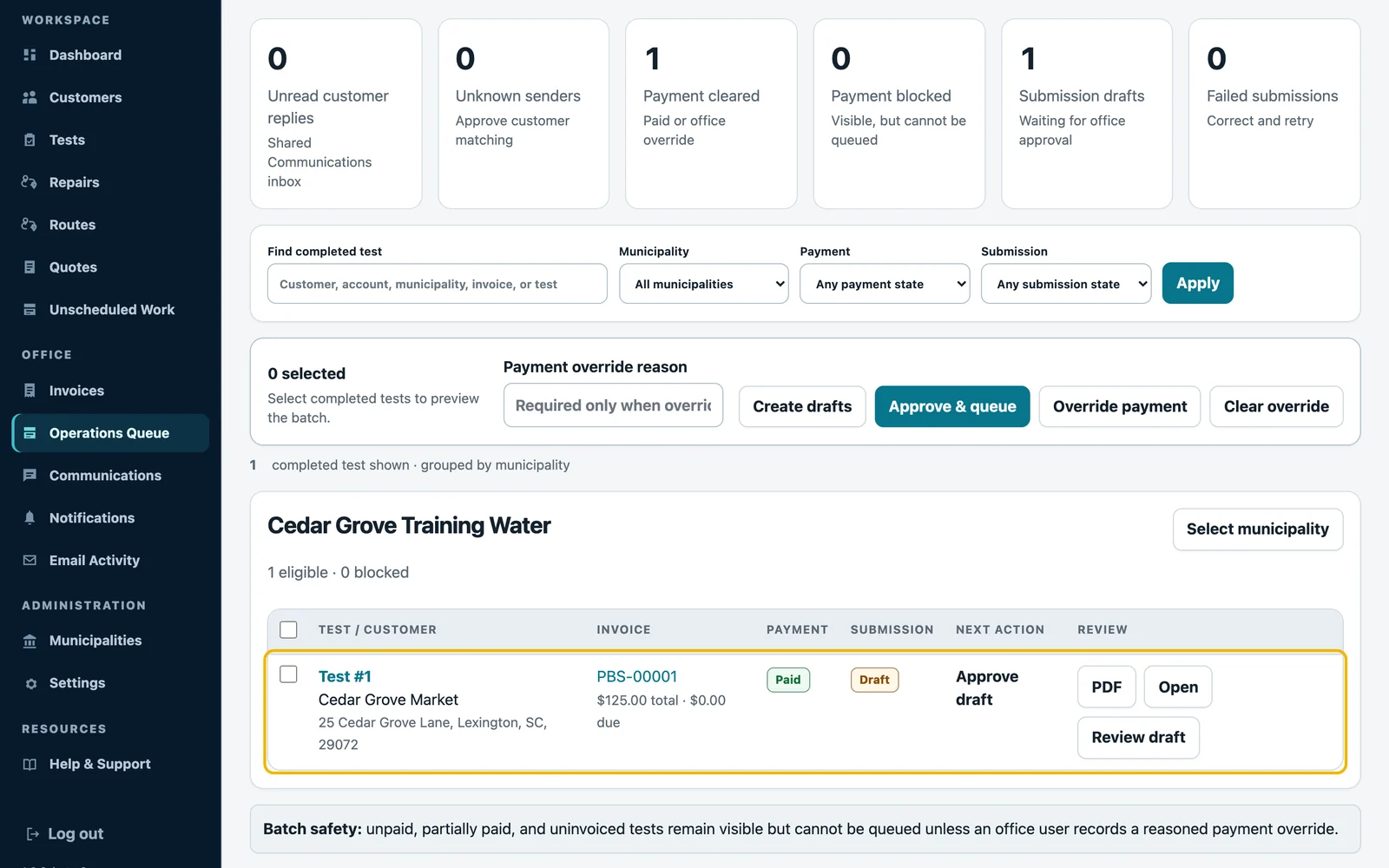
Plan before you assign
Keep appointments in an unassigned planning state while the office organizes the workload. Assign selected stops to a technician when the route is ready.
Use location and service context
Filter work by customer, city, ZIP or municipality. Keep access notes and assembly details with the visit so dispatch does not become a second data-entry process.
Order the route your way
Use selected-stop ordering or available route optimization. Map, geocoding and routing features depend on the provider configured for your environment; we confirm that setup with you.
Keep the next step visible
The operations workflow continues after the route. Completed tests can move into report review, invoices and the municipality submission queue shown here.
See your next workday differently.
Bring your authority list and current process. We’ll show you the workflow and check the fit.