One job. A connected workflow.
The field visit is only part of the work. BackflowCore connects what happens before the test with the office work that follows it.
Request a demo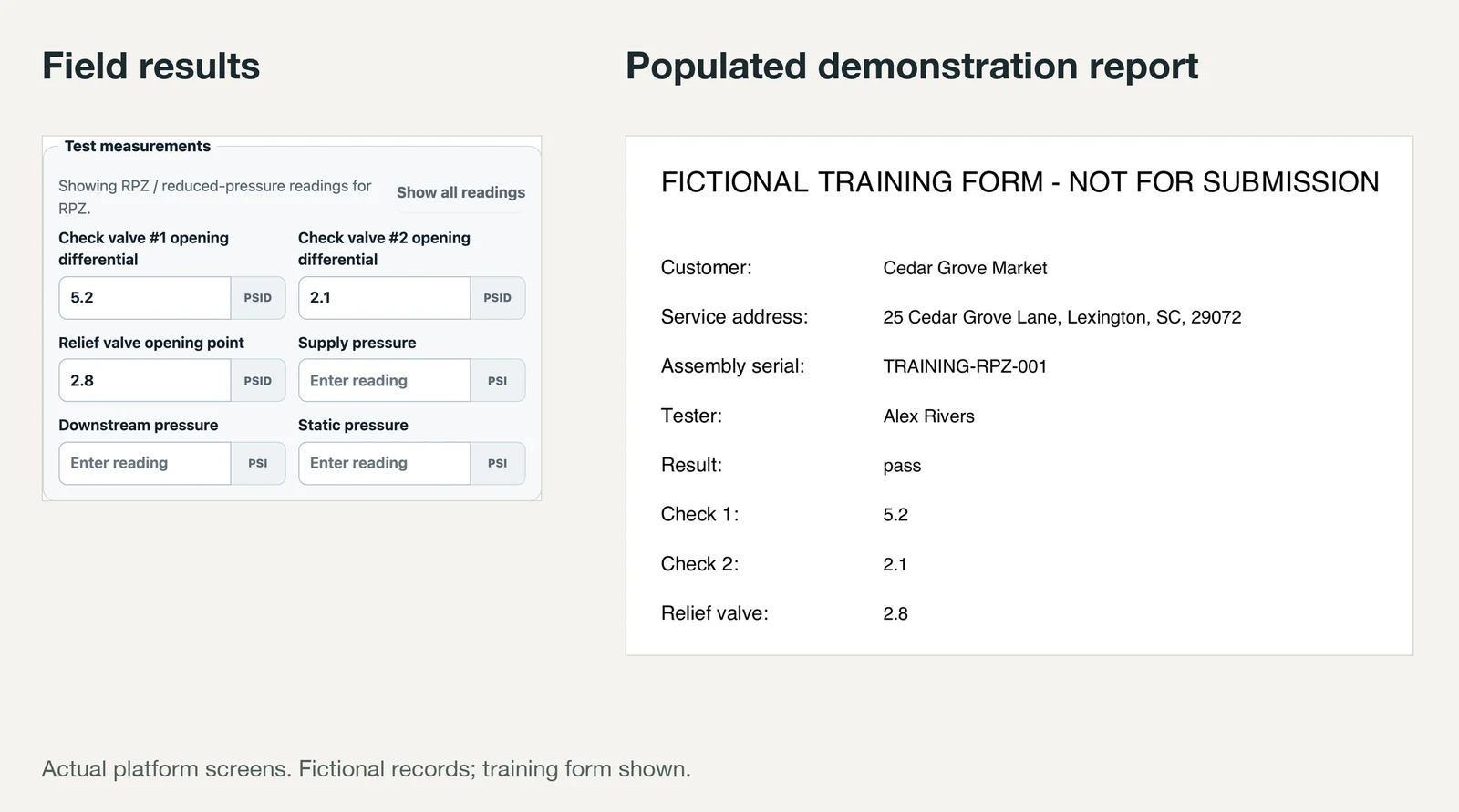
Start with the right assembly
Keep the customer, service location and assembly together. See serial numbers, account details, access notes and earlier tests before scheduling another visit.
- Customer → location → assembly records
- Testing holds with reasons and optional expiration
- Search across operational records
Put the work on a route
Schedule tests, assign a technician and build the day’s route. Office staff can hold work as unassigned while planning, then assign selected stops together.
Record the field results
Open assigned work on a phone and enter the readings for the assembly type. Save a draft when the work is not ready to submit. Office and field roles keep responsibilities clear.
Review the report and invoice
Use the configured municipality form to prepare a PDF from the test data. Review the report, approve the work and create the linked invoice without starting a separate customer record.
Control what gets sent
Completed reports stay visible in the submission workflow. Review drafts, payment eligibility and delivery status. Email submission depends on the authority’s requirements and your configured delivery provider.
See your next workday differently.
Bring your authority list and current process. We’ll show you the workflow and check the fit.